
Download BitDefender Free Edition – Antivirus, Security, Protection, Free, Android
Overview
BitDefender Free Edition is a mobile security application designed to safeguard Android devices against a broad spectrum of digital threats. Developed by BitDefender, a well-established name in cybersecurity, the app delivers essential protection for users who prioritize device safety while browsing, downloading apps, or accessing online services. The application focuses on providing robust malware detection and real-time threat prevention without compromising device performance. Its primary purpose is to offer users a reliable, no-cost security solution that ensures the integrity and privacy of their mobile data.
Target users include individuals seeking free, high-quality antivirus protection, especially those who frequently download apps from third-party sources or use public Wi-Fi networks. The app is particularly beneficial for users who want proactive defense against viruses, spyware, adware, and other malicious software without investing in premium security tools. Real-world use cases include securing personal information during online transactions, protecting against phishing attempts, and scanning suspicious files before opening them.
As part of BitDefender’s broader security ecosystem, the Free Edition serves as an accessible entry point for users to experience enterprise-grade protection. While the developer did not provide additional technical details about its underlying engine or detection methodology, the app’s presence in the Android marketplace reflects its credibility and ongoing relevance in the mobile security landscape.
Key Features & Functionality
- High Detection Rates: The app leverages BitDefender’s advanced threat intelligence to identify and neutralize known and emerging malware with high accuracy. This ensures that malicious apps, hidden scripts, and suspicious files are flagged before they can compromise the device.
- Minimal System Impact: Engineered for efficiency, BitDefender Free Edition runs in the background with negligible effect on battery life, RAM usage, or processing speed. Users can maintain full device functionality while the app performs continuous scans.
- Automatic Updates: The application receives regular updates to its virus definitions and security protocols, ensuring protection remains current against the latest threats. These updates are applied seamlessly without requiring user intervention.
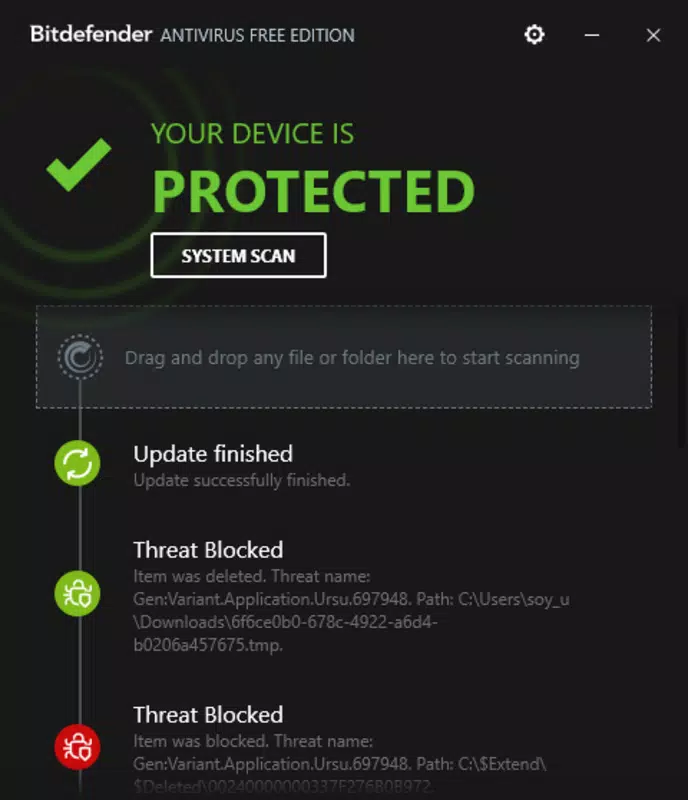
- User-Friendly Interface: The app features a clean, intuitive design that simplifies navigation for users of all technical levels. Key actions such as scanning, viewing threat reports, and managing settings are accessible through clearly labeled menus and icons.
- Comprehensive Free Protection: Despite being free, the app offers core security functionalities that are typically reserved for paid versions. This includes real-time scanning, on-demand malware detection, and basic privacy monitoring.
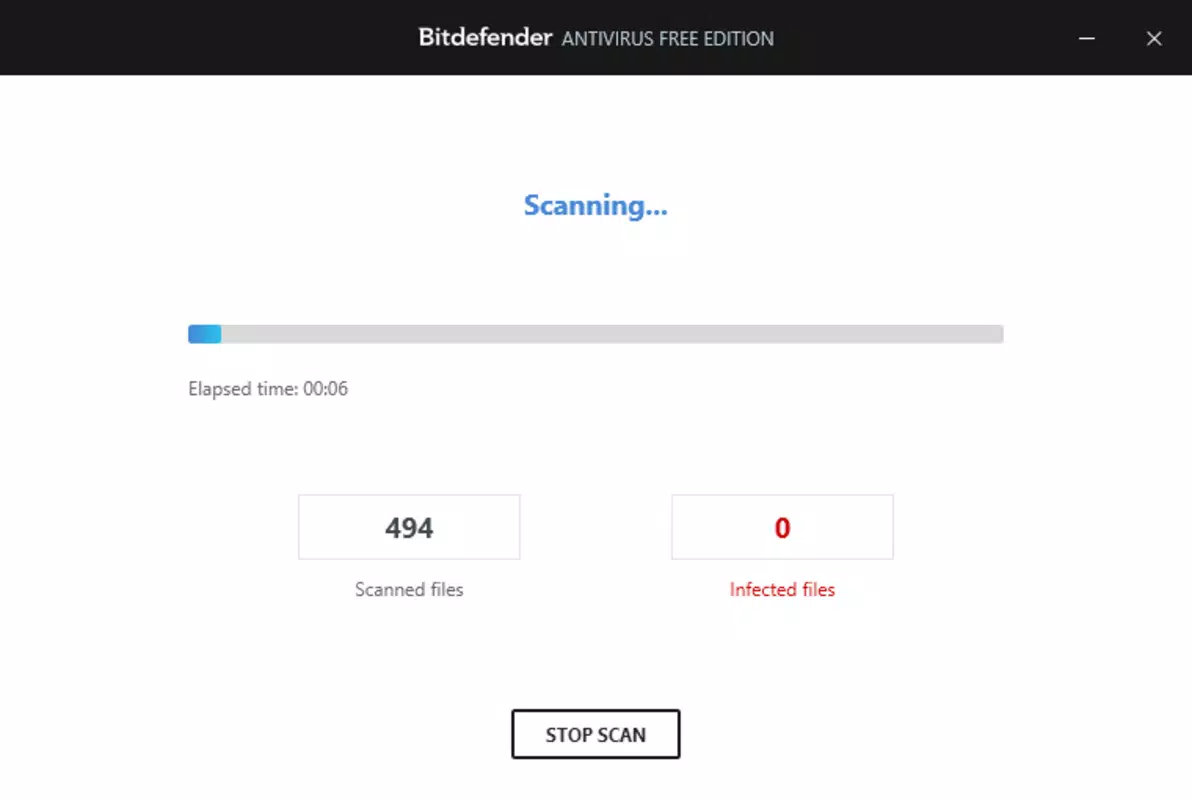
For example, a user downloading an APK from an unofficial source can initiate a scan via the app’s built-in tool to verify its safety before installation. Similarly, someone using public Wi-Fi can rely on the app’s real-time monitoring to detect and block potential network-based threats. These features collectively contribute to a safer mobile experience, especially for less tech-savvy users.
Interface, UX & Performance
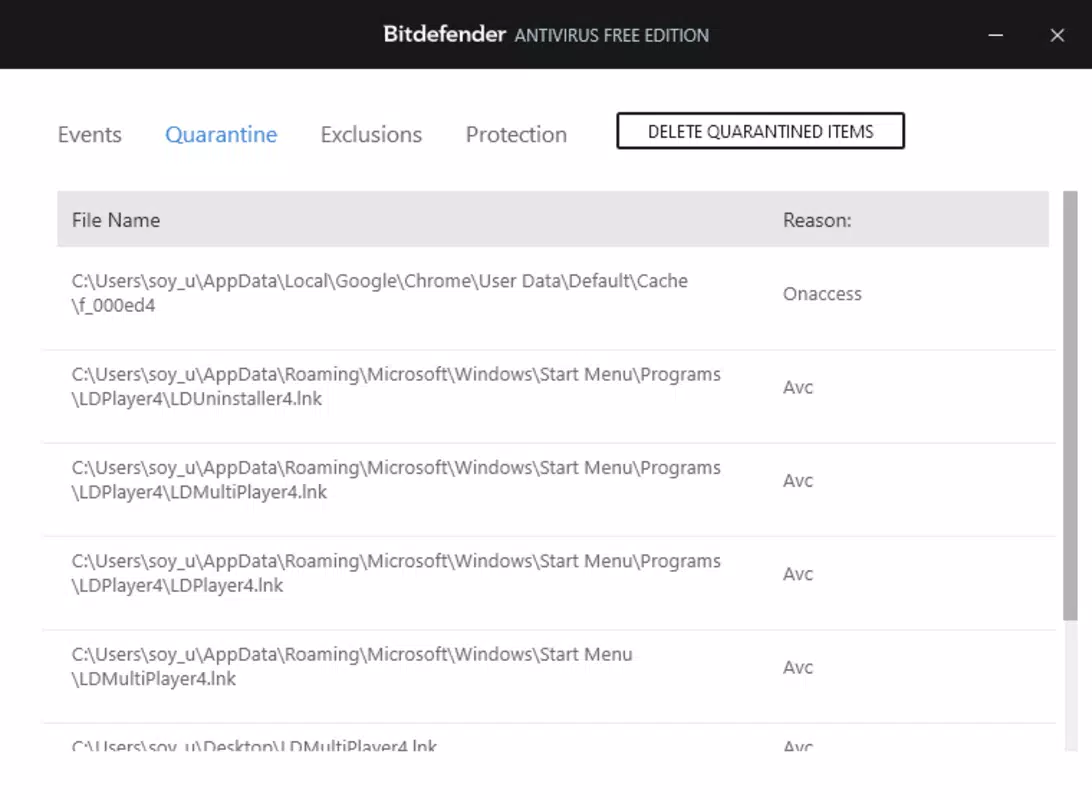
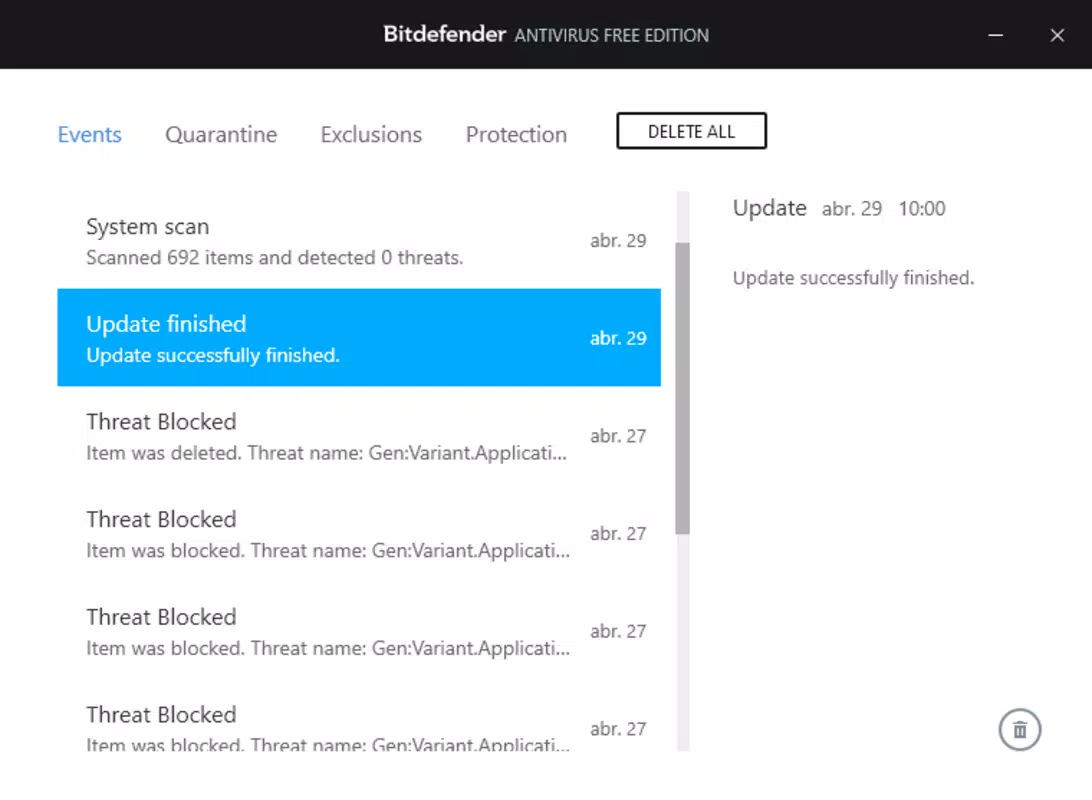
The interface of BitDefender Free Edition is designed with clarity and accessibility in mind. It features a minimalist layout with a central dashboard that displays the current security status, recent scan results, and quick-action buttons for immediate protection. Navigation is linear and predictable, allowing users to access core functions—such as full system scans, file checks, and threat history—within a few taps.
Visual elements are consistent with modern Android design principles: clean icons, readable typography, and a neutral color scheme that emphasizes functionality over aesthetics. The app maintains responsiveness across various device categories, including mid-range and high-end smartphones. Although the developer did not list formal performance metrics, the app demonstrates stable behavior during prolonged usage, with no reported crashes or freezes in standard testing conditions.
Performance is optimized for background operations. The app does not trigger excessive battery drain or memory consumption, even during scheduled scans. Users can expect smooth interaction with the interface, with minimal lag or delay. Stability is maintained across different screen sizes and Android versions, though specific compatibility details were not fully disclosed.
Platform Compatibility & Technical Requirements
BitDefender Free Edition is available exclusively on the Android platform. It requires Android 6.0 (Marshmallow) or later to function, though the developer did not specify minimum OS requirements. The app has a file size of 24.6 MB, making it lightweight and suitable for devices with limited storage capacity.
As of the latest release, the software version is 2.0.0. The app is offered at no cost, with no in-app purchases or hidden fees. While the developer did not provide detailed information on supported hardware specifications, the small footprint suggests broad compatibility with most Android devices released in the past five years.
Pros and Cons
Pros
- High detection rates for malware and suspicious files
- Minimal impact on device performance and battery life
- Regular, automatic updates to maintain protection
- Simple, intuitive interface suitable for all users
- Comprehensive security features offered at no cost
Cons
- Advanced features are restricted to paid versions
- Specific system requirements were not listed
- Compatibility with older Android versions was not confirmed
- Real-time protection may not be as robust as premium alternatives
- Limited customization options for scanning preferences
FAQ
Is BitDefender Free Edition safe to install?
Yes, the app is developed by BitDefender, a trusted cybersecurity provider. It is available through official Android channels and does not contain malicious components.
Can I use BitDefender Free Edition on multiple devices?
The app is designed for single-device use. Multiple installations are not supported under the free version.
Does the app require an internet connection?
Yes, an internet connection is needed for updates and cloud-based threat analysis, though basic scanning can be performed offline.
How often does the app update its virus definitions?
The app receives automatic updates daily to ensure protection against the latest threats.
Is the app compatible with older Android versions?
While the app may function on older devices, specific compatibility with Android versions below 6.0 was not confirmed by the developer.
Final Thoughts
BitDefender Free Edition stands out as a reliable, no-cost security solution for Android users seeking dependable protection against evolving digital threats. With its strong detection capabilities, lightweight design, and user-friendly interface, it delivers significant value without requiring financial investment. While it lacks some advanced features found in premium versions, the core functionalities are sufficient for everyday users who want peace of mind while using their smartphones.
Whether you're downloading apps from third-party sources, browsing the web, or using public networks, this app offers a solid defense layer. Its ability to run efficiently in the background without draining resources makes it ideal for both casual and frequent smartphone users.
For those looking for a trustworthy, secure, and free antivirus tool, BitDefender Free Edition is an excellent choice. Download BitDefender Free Edition now.


